Sales in a sentence
"How much did I sell this week?" gets the total, the number of bills and how it compares, with a small chart.
In OthTech Invoice, OthZen sits in the corner of every screen and answers from your own books: what you sold, who owes you, what's running low. Drop in a supplier's bill and it reads the items for you to check and save.
Live now
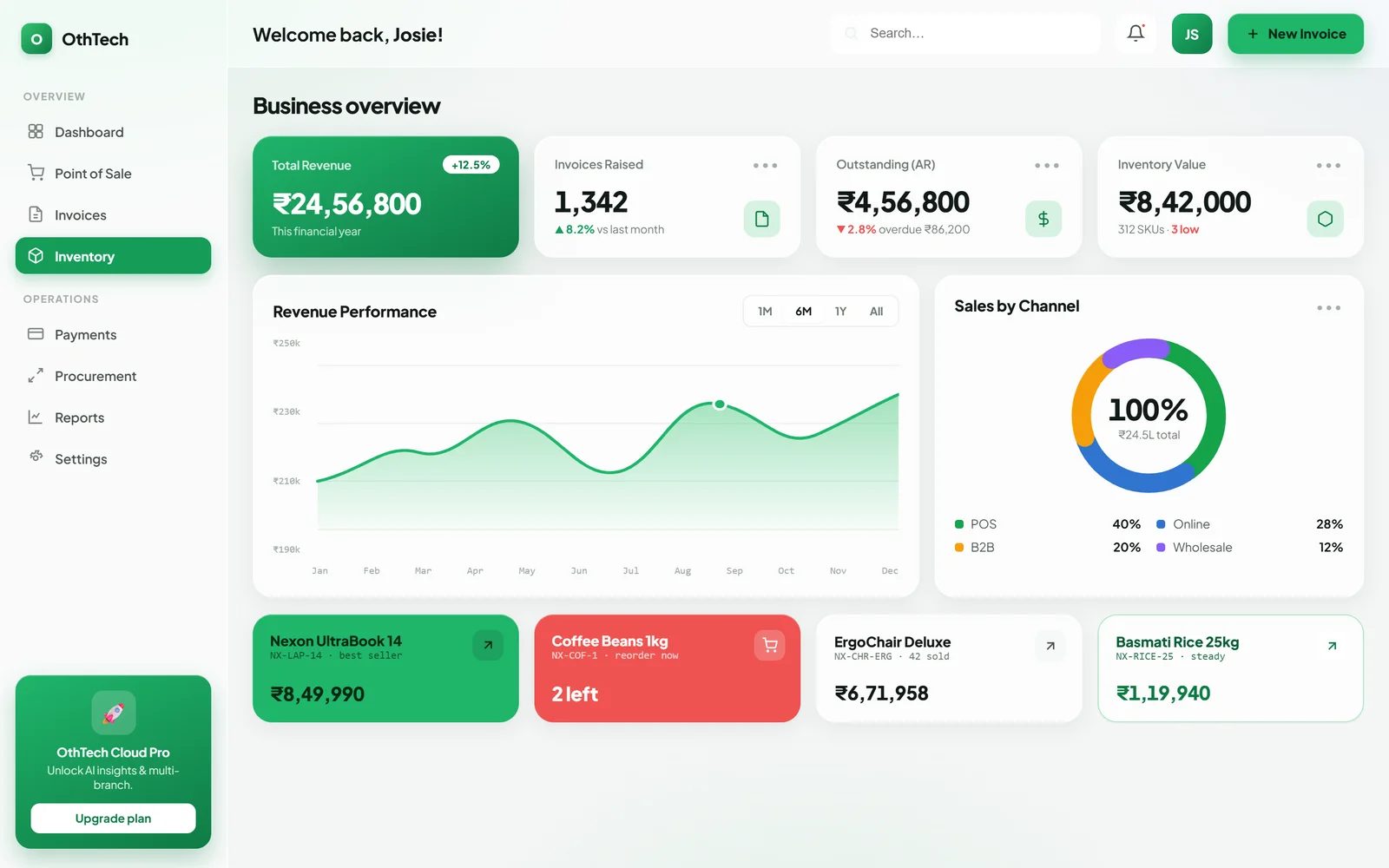
"How much did I sell this week?" gets the total, the number of bills and how it compares, with a small chart.
Overdue customers, how much and how late, with a reminder you can send.
A photo or PDF of a supplier's bill becomes items, quantities, rates and GST, for you to check before it's saved.
Items running low, slow-moving stock and suggested quantities from your own sales.
Money expected in and going out over the coming weeks, from your invoices and bills.
Step-by-step help with the app itself, from setting up GST to closing a shift.
Included on OthTech Invoice's Standard plan and above. It works with each person's own access, so a cashier sees only what a cashier can.
What OthZen reads here
Only the signed-in business's own invoices, payments, products and stock, with the same permissions the user already has.
Ask it anything about OthTech right now, or talk to our team about OthZen in the products you use. It comes with them; there's nothing extra to install.